01
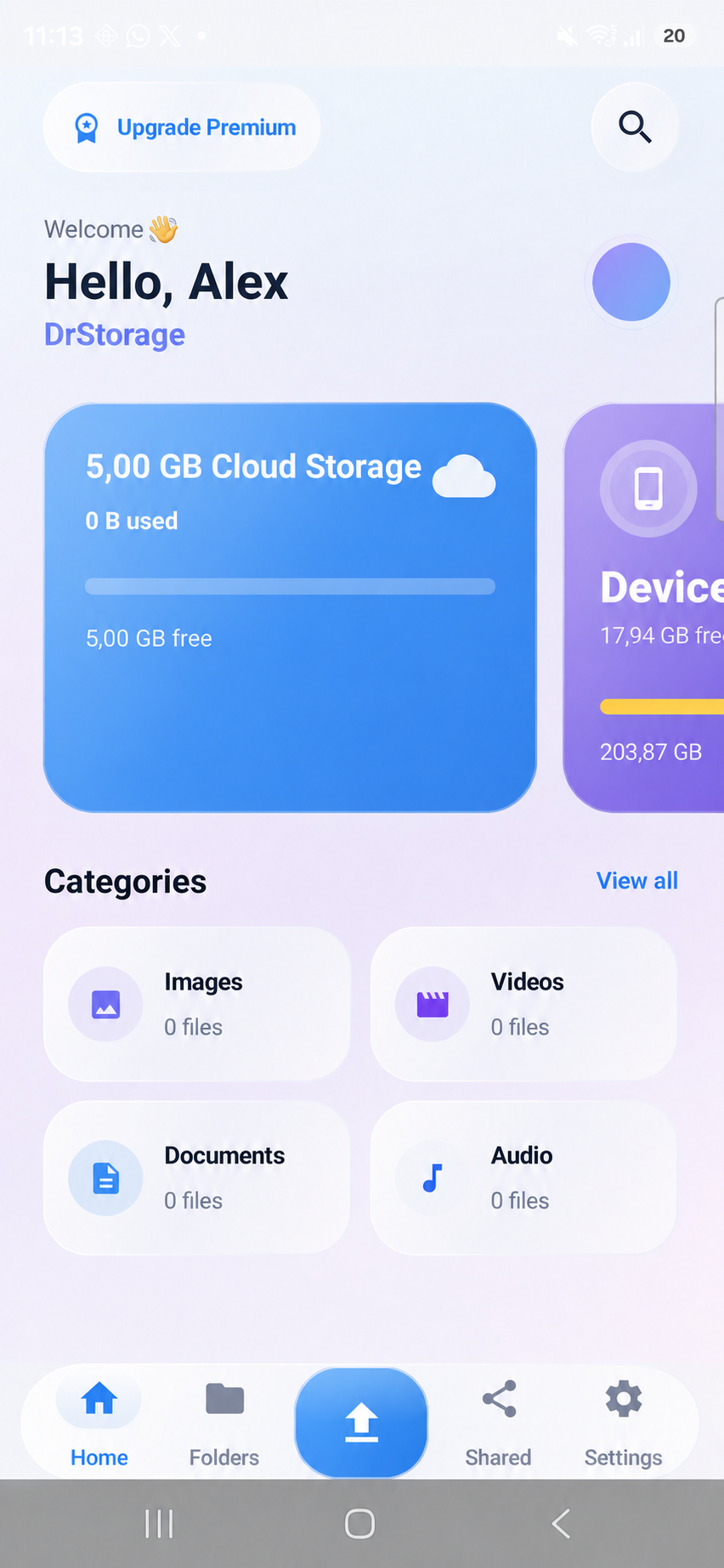
See what matters at a glance.
Your home view brings storage, recent files and categories together without making you hunt for anything.
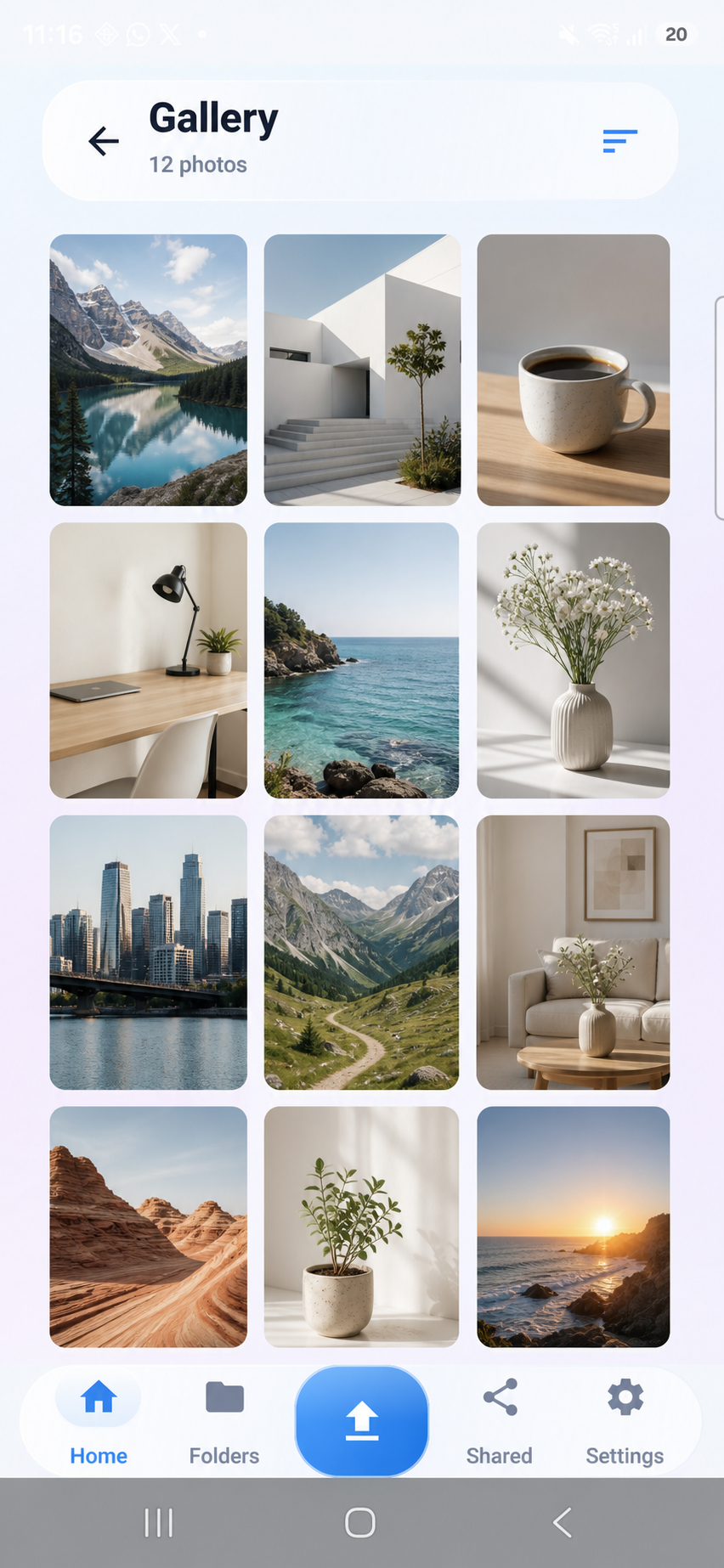
Secure cloud storage for Android
DrStorage keeps photos, videos, documents and contacts organized in one private cloud — simple enough for every day, protected for what matters.
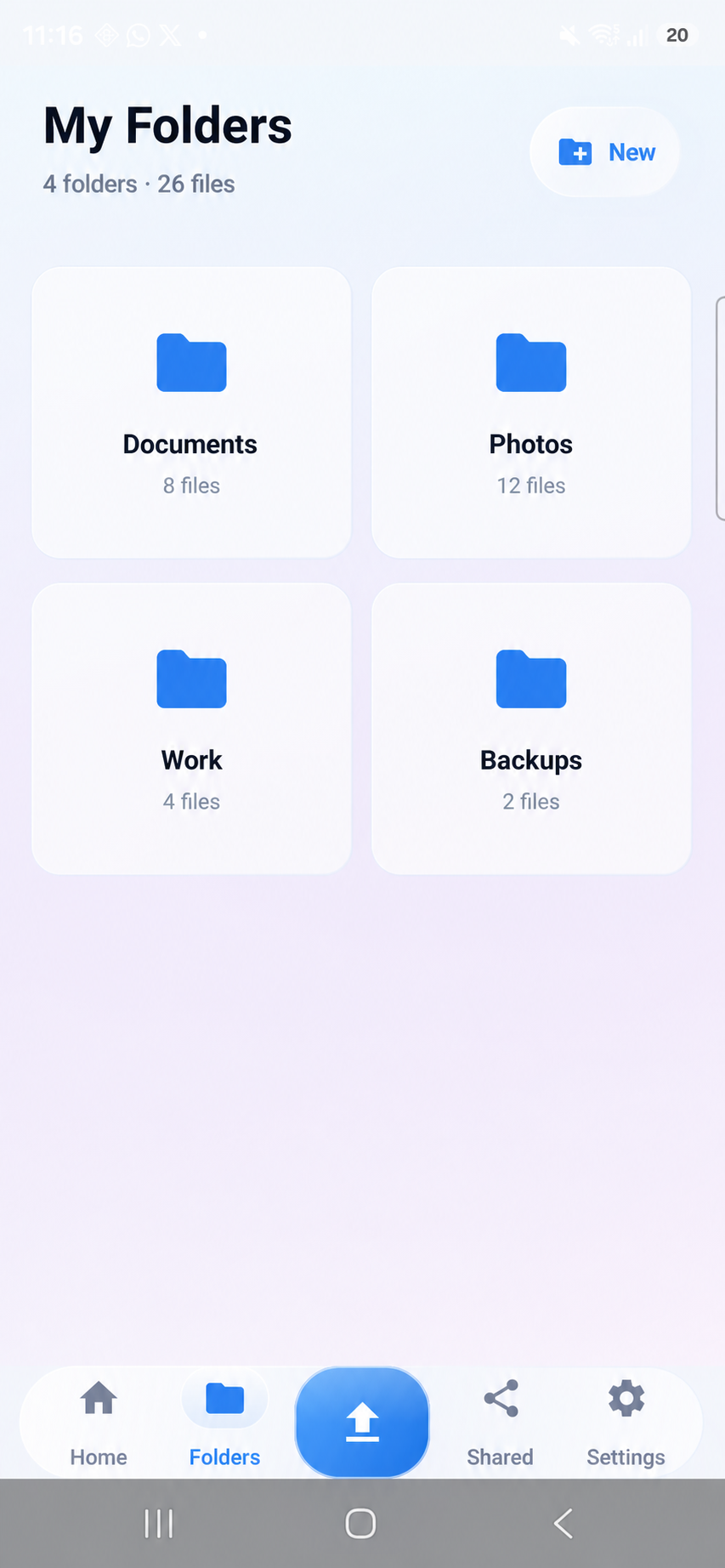
Built for the files you reach for every day
Everything in its place
No cluttered controls. No complicated setup. Just the tools you need to keep your digital life close.
Your home view brings storage, recent files and categories together without making you hunt for anything.
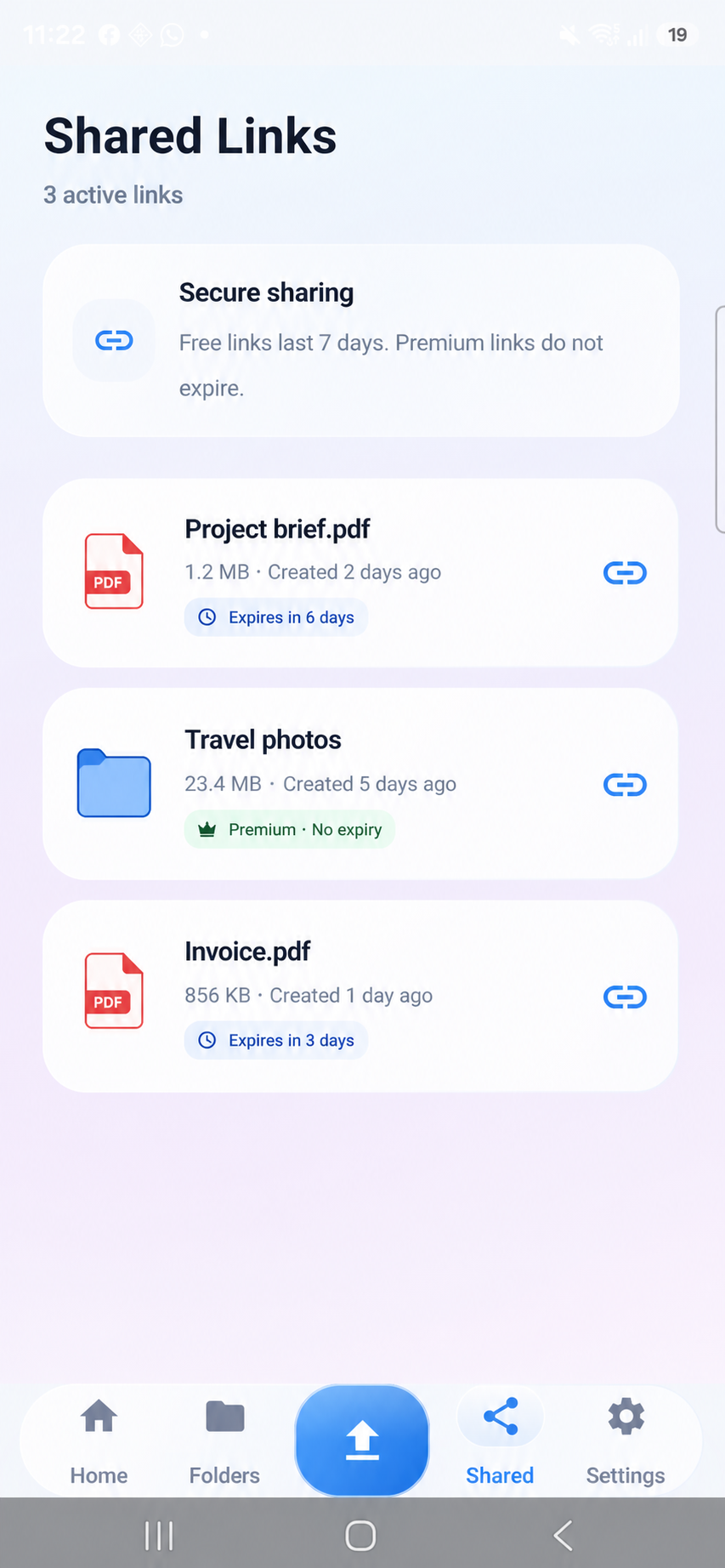
Create a link, set an expiry and revoke access when you choose.
Keep the people in your phone recoverable when the unexpected happens.
A closer look
Real screens from the Android app. Familiar navigation, clear file categories and no learning curve.
Security by design
DrStorage combines account-based cloud access with an optional local app lock, giving you another layer between your files and anyone holding your phone.
Read our privacy policyGood to know
DrStorage is an Android cloud storage app for securely storing, organizing and sharing photos, videos, documents and contact backups from one place.
Every account starts with 2 GB of free cloud storage. No payment card is required to begin.
Yes. You can create share links with a clear expiry and revoke access from the app when needed.
You can enable a PIN or biometric lock as an additional local protection layer for the DrStorage app.
Available on Google Play
Start with 2 GB free. Download DrStorage and put your files in one calm, organized place.